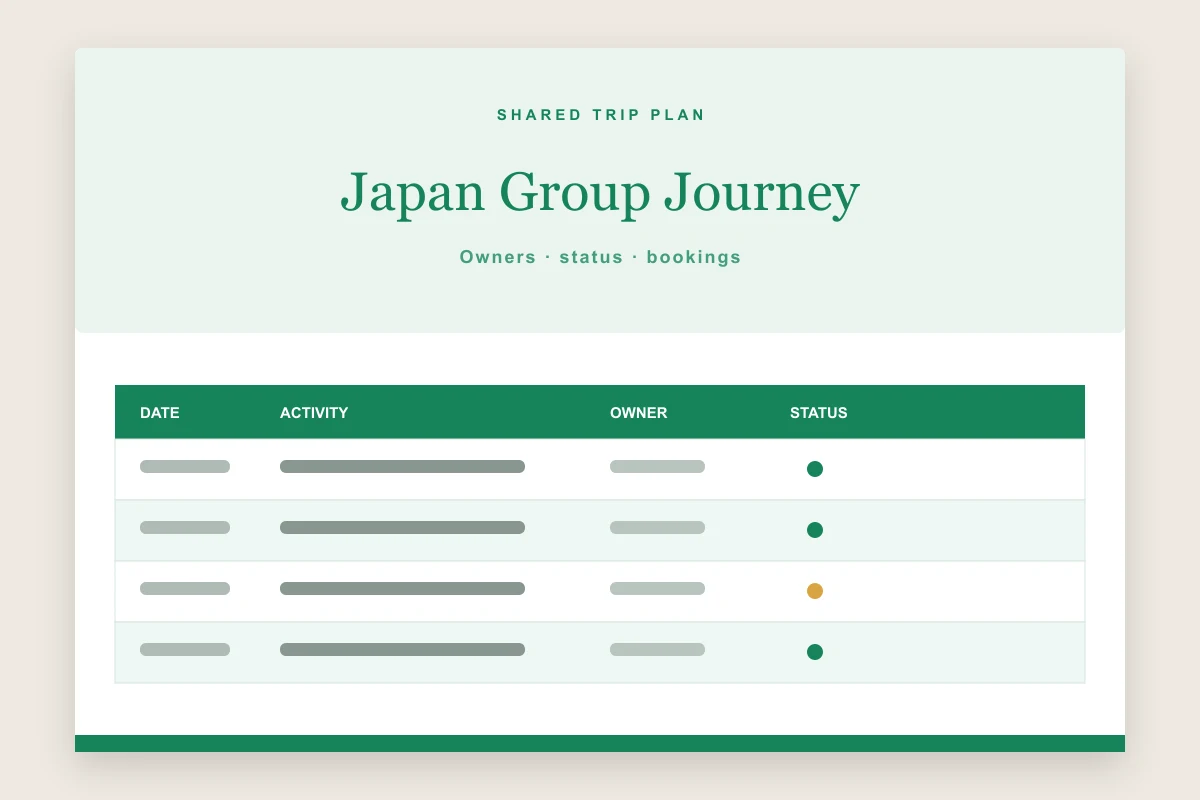
Collaborative trip spreadsheet

Travel Itinerary Template for Google Sheets

Coordinate one live travel plan with owners, status fields, booking notes, and a clean schedule your whole group can update.

Open in Online Editor
Sheets-ready .xlsx Saved locally No sign-up Built for sharing
Google Sheets travel itinerary template preview with collaborative owners, booking status, dates, and activities
A collaborative spreadsheet layout ready to import into Google Sheets.

Edit this template online

Create your google sheets itinerary editor

Every change is saved automatically in this browser. Nothing is uploaded and no account is required.

Loading saved plan
PLAN 01
ACTIVITY 01
PLAN 02
ACTIVITY 01
PLAN 03
ACTIVITY 01

OPTIONAL DETAILS

Cover, Accommodation & Notes

Only completed sections appear in the preview.
Cover photoOptional · JPG, PNG or WebP
HOTEL 01

Designed for shared planning

What does the Google Sheets travel itinerary template include?

One collaborative schedule with clear ownership, status, and practical booking context.

01

Collaboration columns

Assign an owner and status to each activity so the group knows who is handling each booking.

02

Import-ready workbook

Download an .xlsx file that opens directly in Google Sheets with structured rows and headers.

03

Filter-friendly plan

Filter by date, place, owner, or status when a large group needs a focused view.

04

One shared source

Upload the workbook to Drive and share one current itinerary instead of circulating competing copies.

05

Clear mobile view

Compact columns keep the key timing and responsibility details easy to scan on the move.

From browser to Drive

How do you use the travel itinerary template in Google Sheets?

  1. 1

    Create the schedule

    Enter the trip overview and add one row for each journey, activity, meal, reservation, or check-in.

  2. 2

    Assign responsibility

    Give each item an owner and a clear status such as planned, to book, or confirmed.

  3. 3

    Download the workbook

    Export the current planner as an .xlsx file designed for spreadsheet apps.

  4. 4

    Upload and share

    Upload the file to Google Drive, open it with Google Sheets, and choose the access level for collaborators.

Why plan with a travel itinerary template Google Sheets workbook?

A travel itinerary template Google Sheets workflow is useful when several people contribute to one trip. Instead of sending revised documents back and forth, the group can work from a shared sheet, assign decisions, record booking status, and leave comments beside the relevant activity. Filters make it possible to view one destination or one person’s responsibilities without duplicating the schedule.

The format works well for friend groups, destination weddings, student travel, family reunions, and teams coordinating travel. It also provides a simple audit trail: collaborators can see what changed and restore an earlier version in Google Sheets when necessary. The online editor on this page creates the starting structure without requiring a Google account; sharing begins only after you upload the downloaded file to your own Drive.

What should the shared Google Sheets itinerary contain?

The planner includes dates, times, destinations, activities, locations, an owner, and a status for every row. The trip title, travel range, and group size appear above the schedule. Together, these fields answer the practical questions a group asks most often: what happens next, where it happens, who is arranging it, and whether it is confirmed.

Agree on a small set of status labels before the group starts editing, and use one owner per decision even when everyone will attend. Add links or confirmation references only when they are safe to share with every person who has access. For offline access, download a current copy before departure because a shared spreadsheet still depends on connectivity unless the Google Sheets offline setting is enabled.

★★★★★
Once everyone had an owner column, our group chat stopped repeating the same booking questions. The whole trip finally felt manageable.
P

Priya S.Group trip organizer

Google Sheets questions

Travel itinerary template Google Sheets FAQ

Answers about uploading, sharing, access levels, owners, and offline copies.

How do I open the travel itinerary template in Google Sheets?

Download the .xlsx file, upload it to Google Drive, then choose Open with Google Sheets. You can keep it as an Excel file or save it as a native Google Sheet.

Can several travelers edit the itinerary together?

Yes. After uploading the workbook to Google Sheets, use the Share controls to invite specific people as viewers, commenters, or editors.

Does the template include owners and booking status?

Yes. Every schedule row includes an owner and status field so the group can track responsibility and confirmation progress.

Can I use the Google Sheets itinerary offline?

Google Sheets offers offline access when enabled in advance. It is also sensible to download or print a current copy before travel.

Is this Google Sheets travel itinerary template free?

Yes. Creating and downloading the starter workbook is free and requires no account on this website.

Ready to collaborate

Give the whole travel group one reliable version of the plan.

Build the schedule here, save it locally, then download a Sheets-ready workbook to upload and share through your own Google Drive.

Continue editing online
By Updated