When is a travel itinerary template PDF the best choice?
A travel itinerary template PDF is the practical final format when the plan is ready to use. Unlike an editable document, a PDF preserves its page proportions, type sizes, and spacing across devices. That stability matters when a companion opens the file on a different phone, a hotel desk prints it, or you need to scan the next step quickly during a transfer.
PDF works especially well for travelers who want a paper backup, a simple attachment for companions, or an offline copy stored on a phone. It is less suitable as the main workspace while bookings are still changing, so complete the schedule in the editor first and export a new dated copy after significant revisions. Delete or clearly label older versions to prevent the wrong plan from circulating.
What belongs in a printable PDF itinerary?
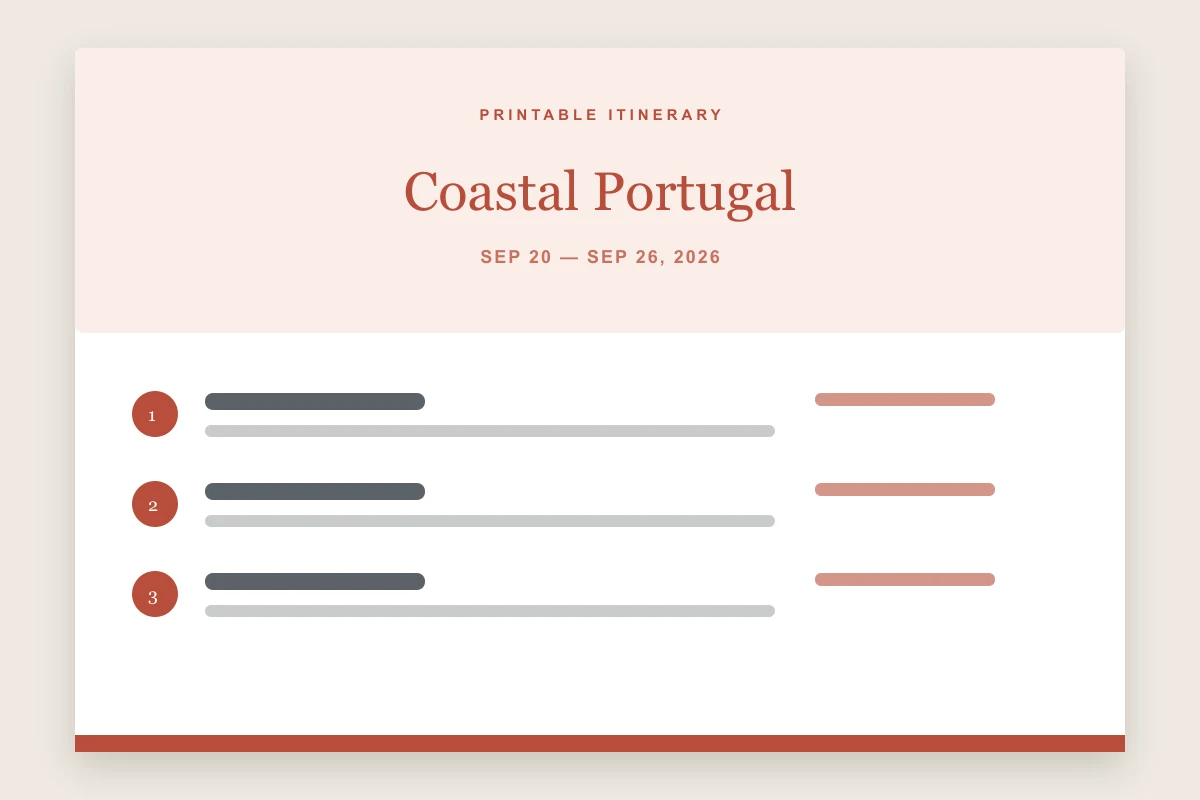
The printable template includes the journey title, destination route, travel dates, traveler count, and chronological schedule. Each activity shows its time, location, booking reference, and one concise note. The goal is not to reproduce every confirmation email; it is to surface the information needed to make the next decision without searching through an inbox.
Use large, readable text and keep notes short enough to avoid dense pages. Include hotel and transport references only if everyone receiving the PDF is entitled to see them. Never place payment card details, passport scans, door codes, or sensitive medical information in a casually shared file. Store one copy offline and, when useful, leave a privacy-safe version with a trusted contact at home.